
Record
Add numbered steps as the project changes, with dates, notes and meaningful icons.
 Path
Path
Path records the evolution of your work as a visual sequence of numbered steps—decisions, revisions, discoveries, branches and the moments you need to return to later.
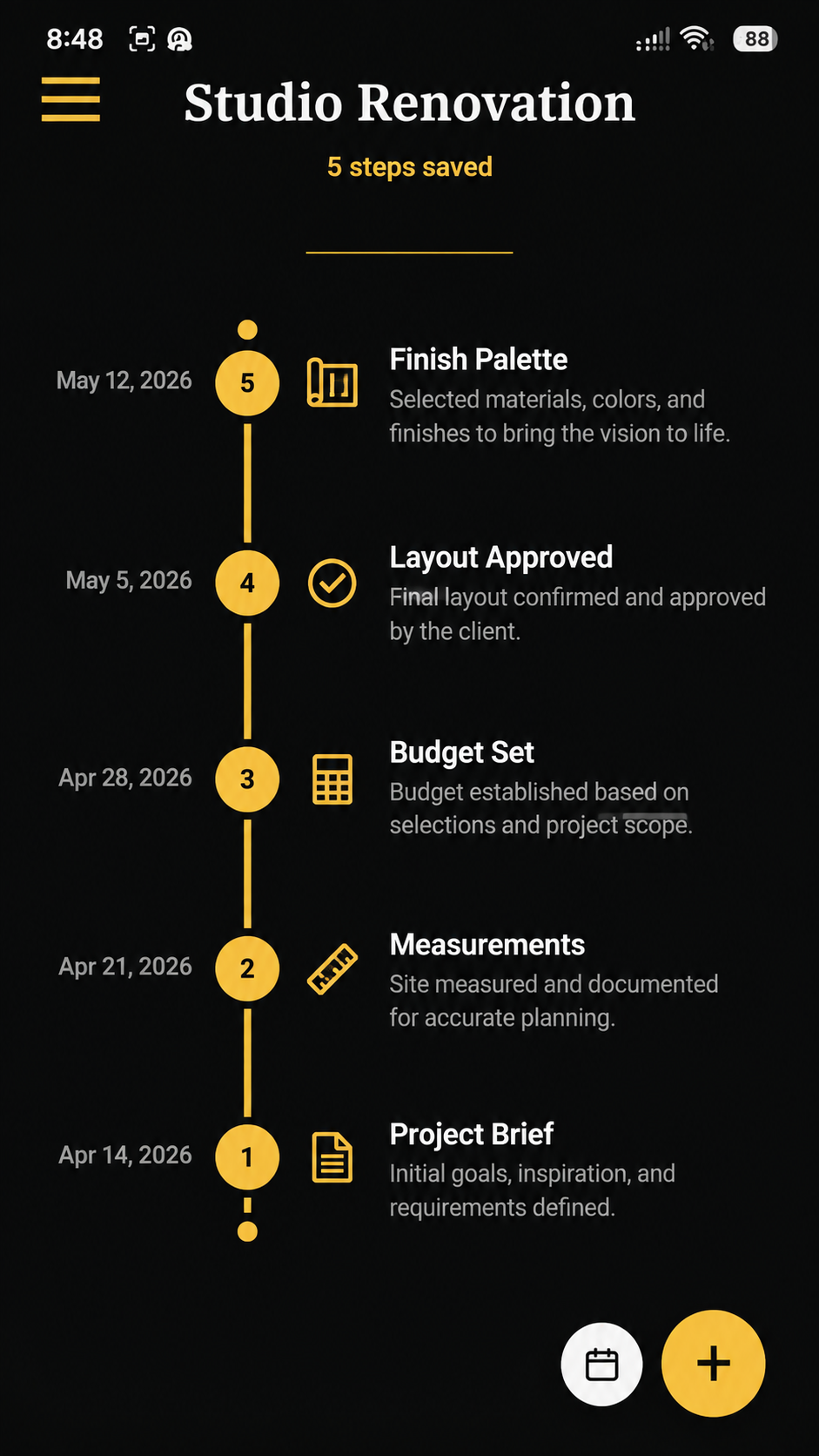
Path gives each project a chronological build log. Every step becomes part of the project's story, so you can revisit what changed, why a decision was made, where one idea branched into another, and what needs attention next without flattening the whole project into a simple checklist.
Add numbered steps as the project changes, with dates, notes and meaningful icons.
Let one project become another when a new direction needs its own Path.
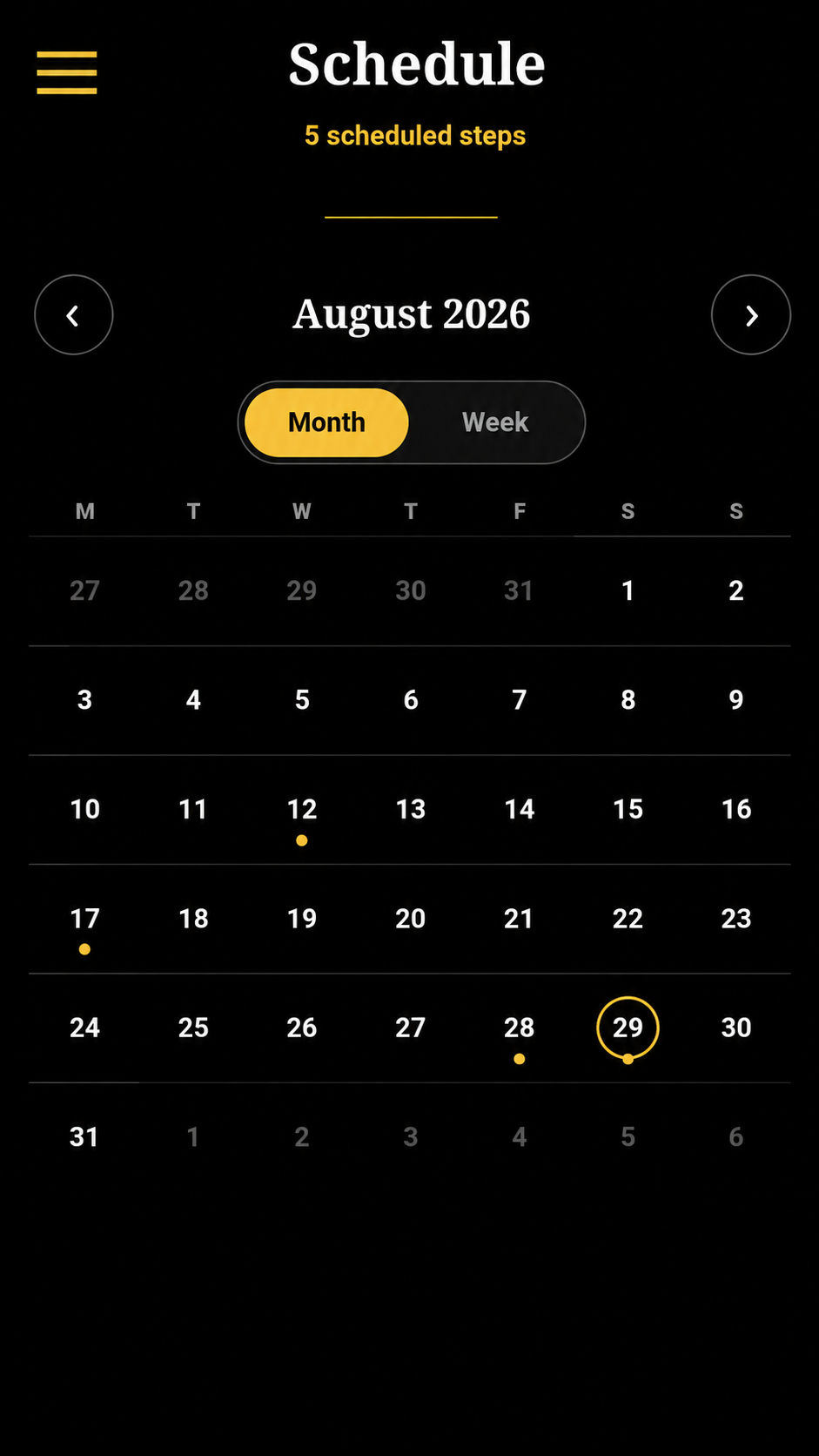
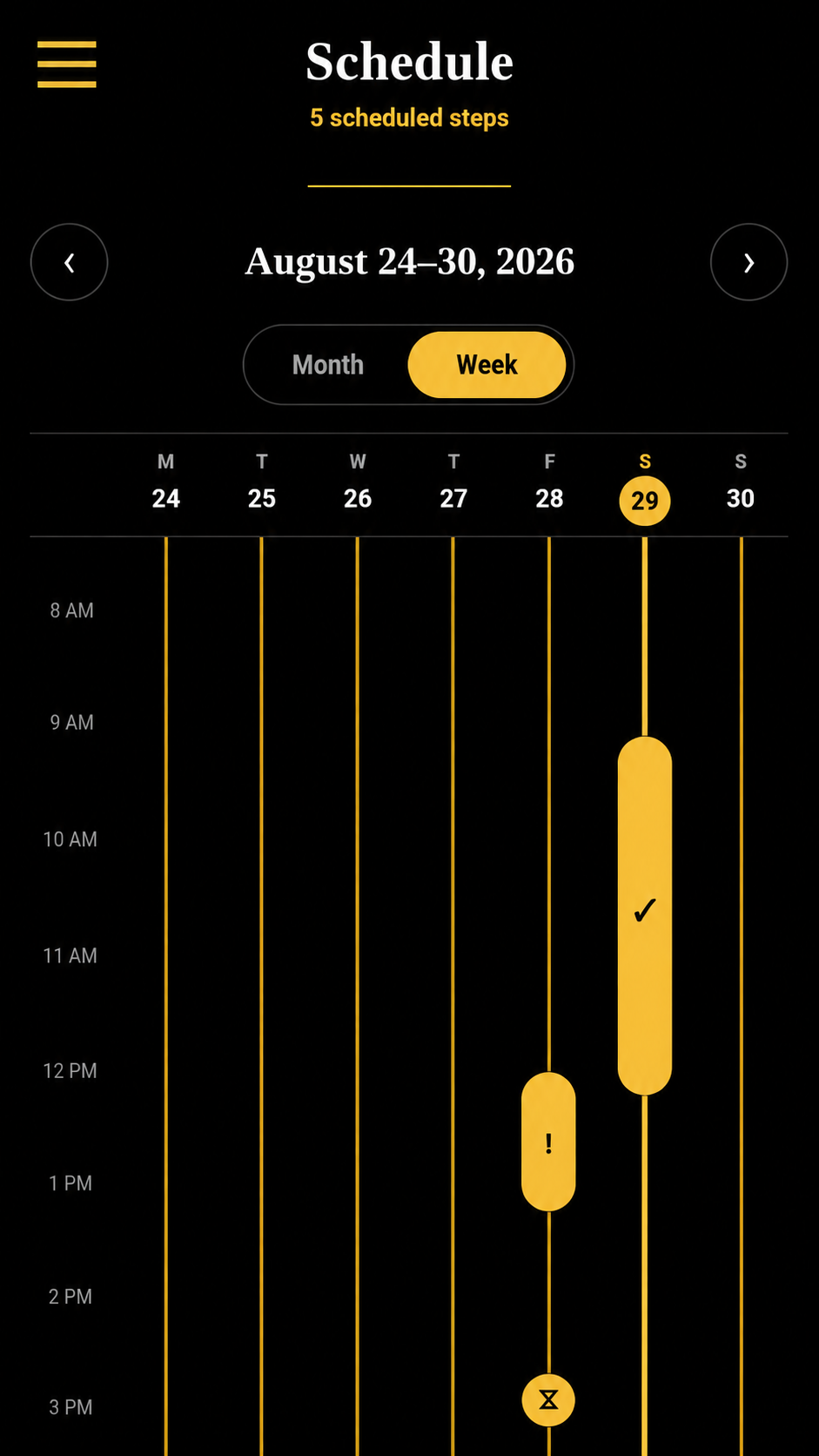
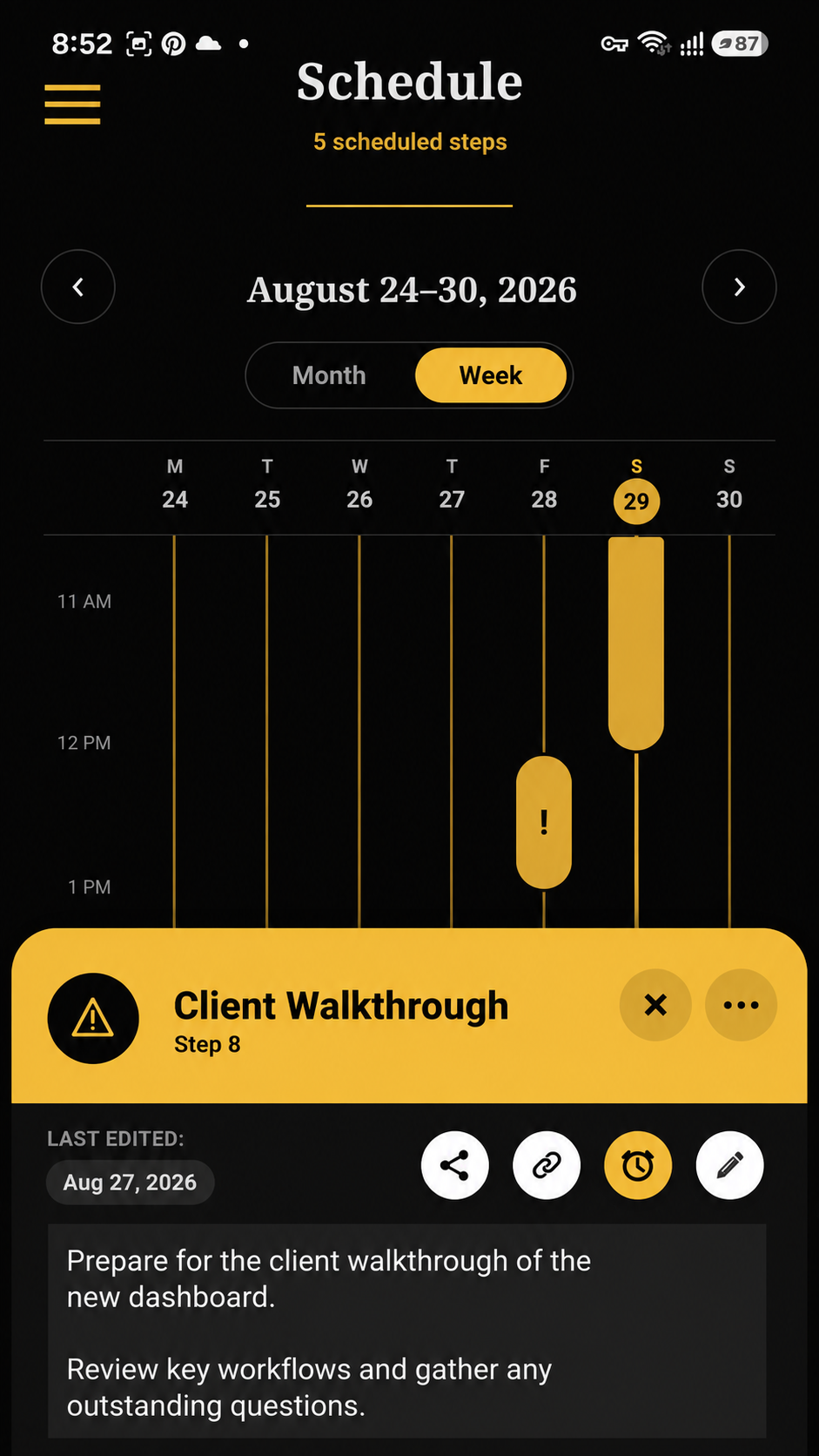
Add time to a step and see it in Schedule without creating a separate task database.
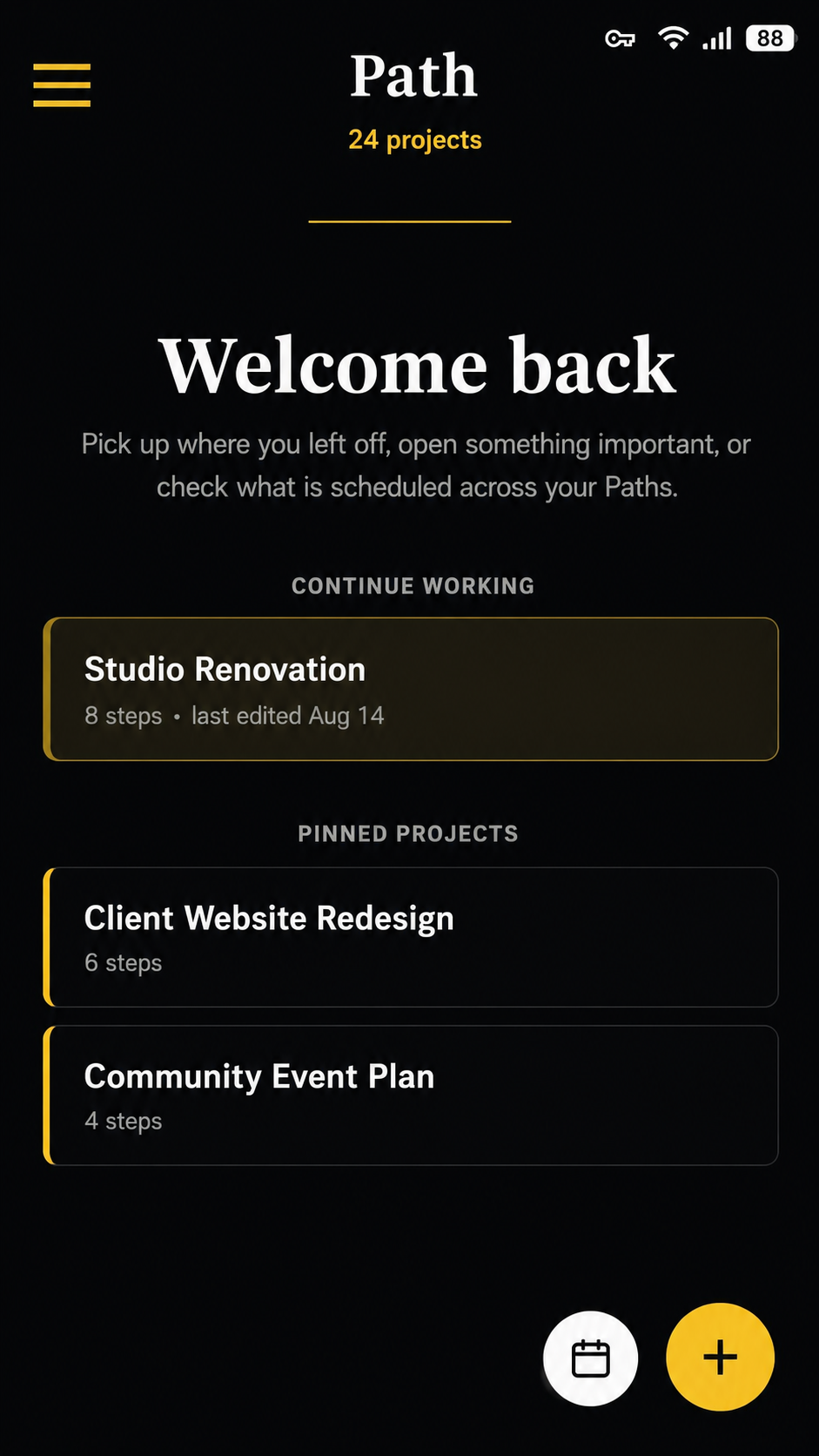
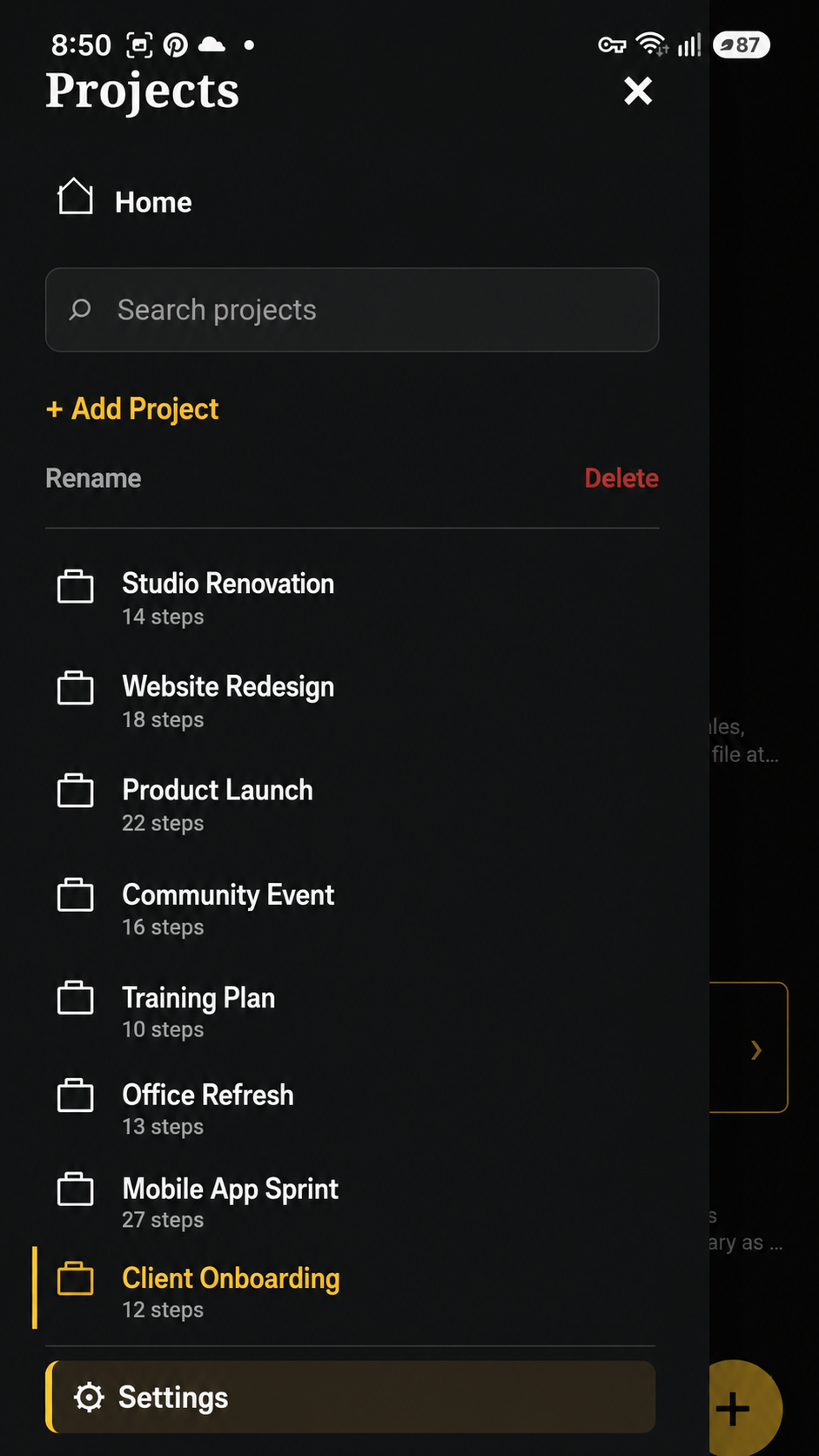
Use Home, pinned projects and quick navigation to get back to the work that matters.
Path keeps the timeline open and readable, then lets richer context appear when you need it.
Each project is a numbered sequence. Record a brief, measurement, decision, revision, approval or discovery and let the timeline preserve the order in which the work actually developed.
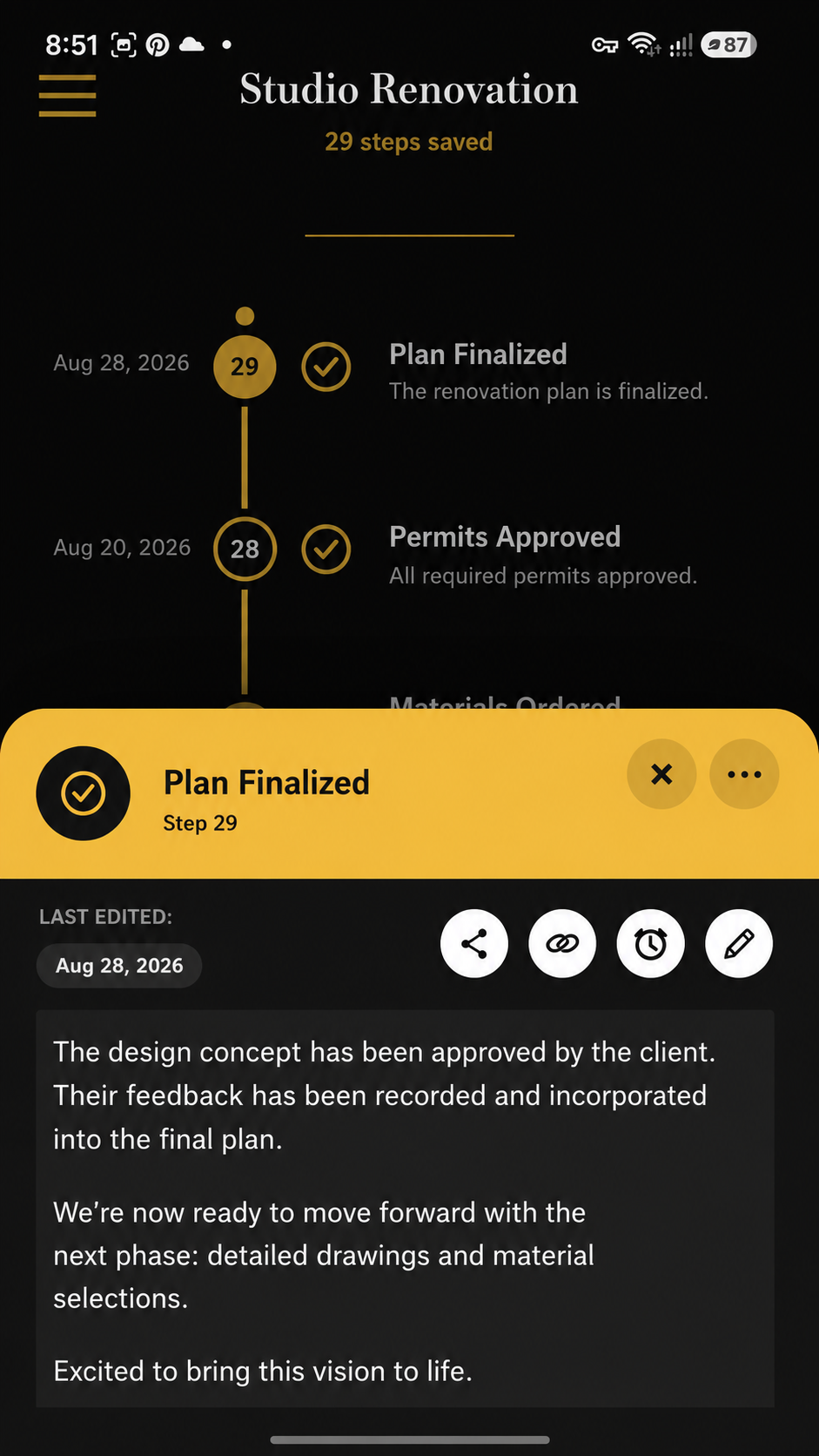
Open a step when a title is not enough. Path keeps the timeline concise while a dedicated step card holds the notes and context that explain what happened and what comes next.
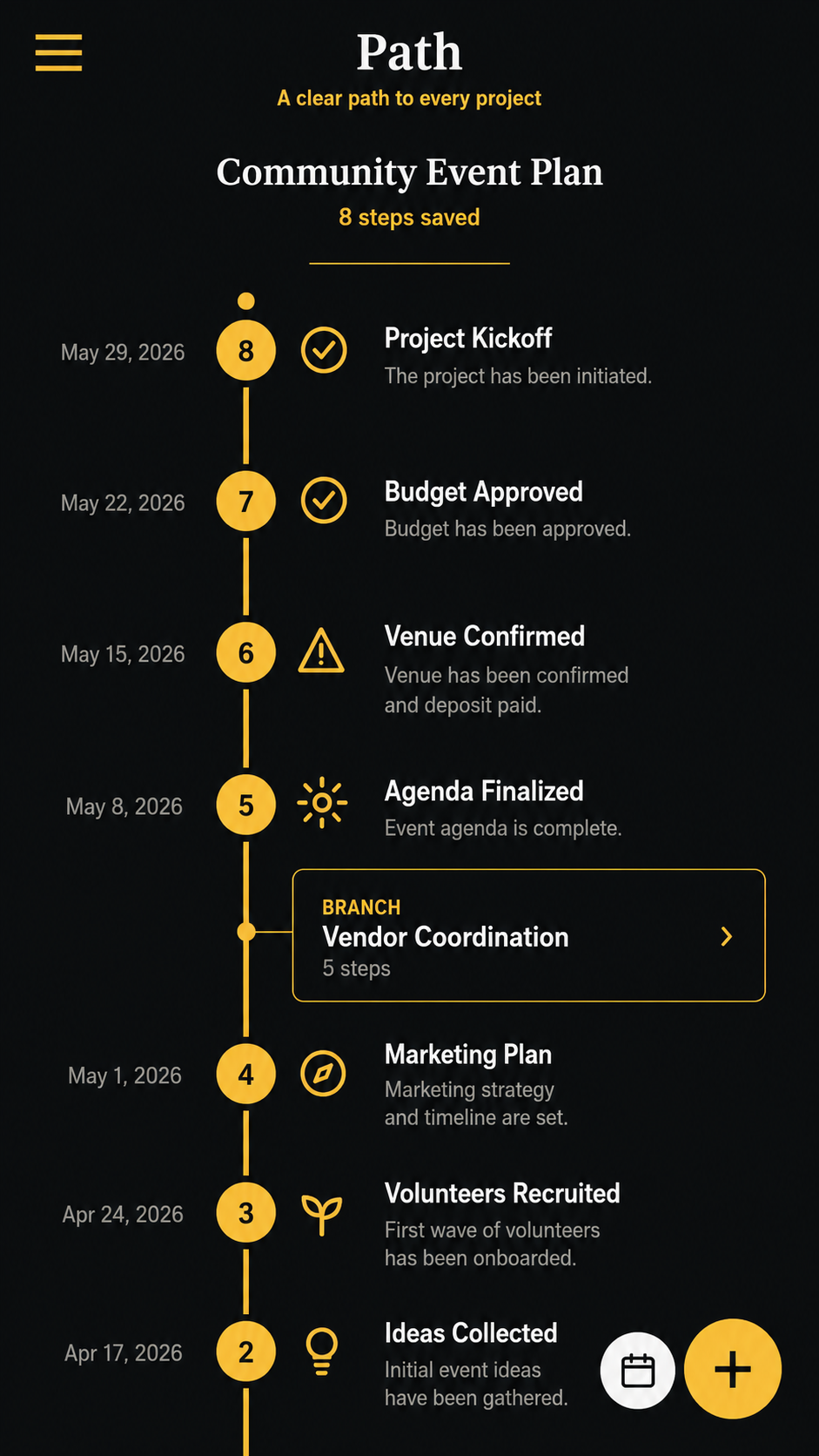
A branch creates a new project from a meaningful point in the current one. Linked steps can connect related moments without duplicating them, turning separate pieces of work into a navigable history.
Schedule is another view of your existing Path steps—not a second calendar full of duplicate records.
Home keeps the last project close and gives pinned projects a permanent place near the front. When you need something else, the project drawer lets you search and switch without turning Home into a crowded dashboard.
Path adds structure where it helps, while keeping the visual timeline as the main place where the project makes sense.
Keep a stable chronological record of how a project developed instead of reducing it to a flat list.
Store the details behind a milestone with lightweight formatting while the main timeline stays readable.
Create a new Path from a turning point or link directly to another existing step when history connects.
See every timed step across your project library without maintaining a separate event model.
Add date and time information when a project step needs to return to your attention.
Keep important projects at the top and surface selected ones directly on Home.
Move individual projects or back up the local library while preserving Path's stable project history.
Core project data stays on the device, so Path remains useful without an account or continuous connection.
Android shortcuts, widgets and deep links can route into focused Path actions without duplicating project logic.
Visit Downloads for the current Path release, platform information, compatibility details and installation package.