
Scan
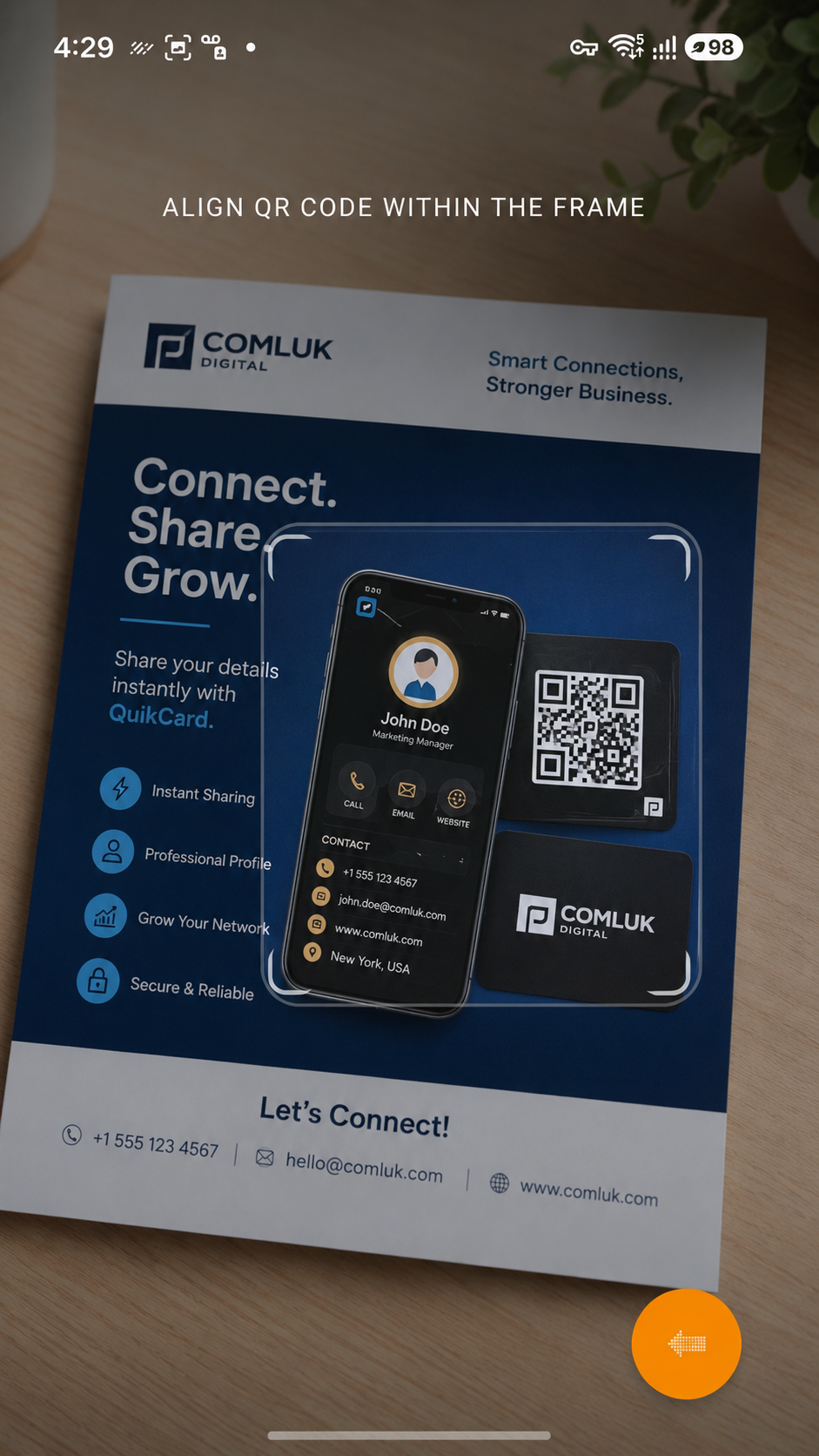
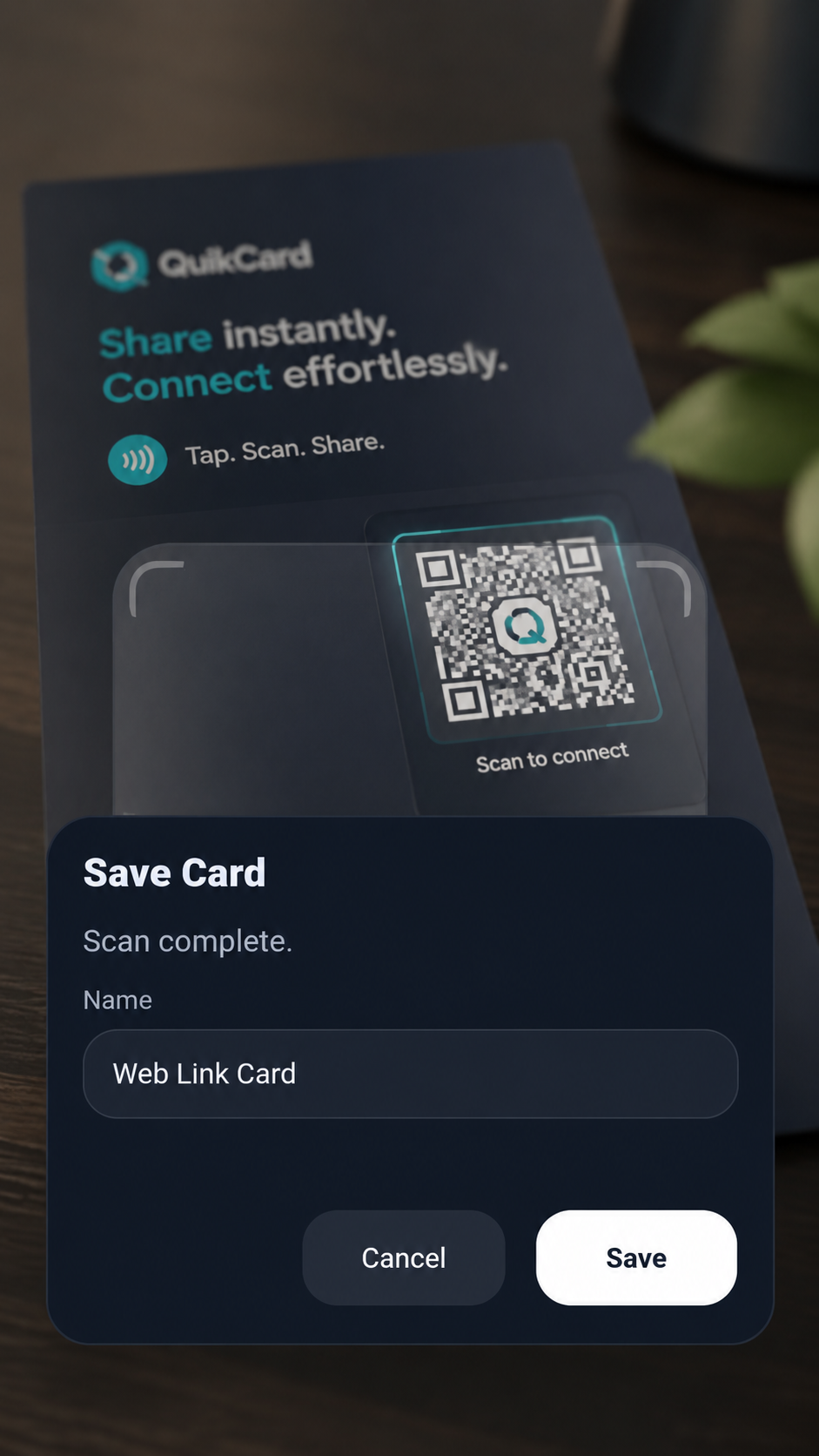
Scan a QR code you want to keep with the built-in scanner.
 QuikCard
QR codes are everywhere. QuikCard gives you one place to scan and save the ones that matter, organize them with useful labels, and bring them back up whenever you need them.
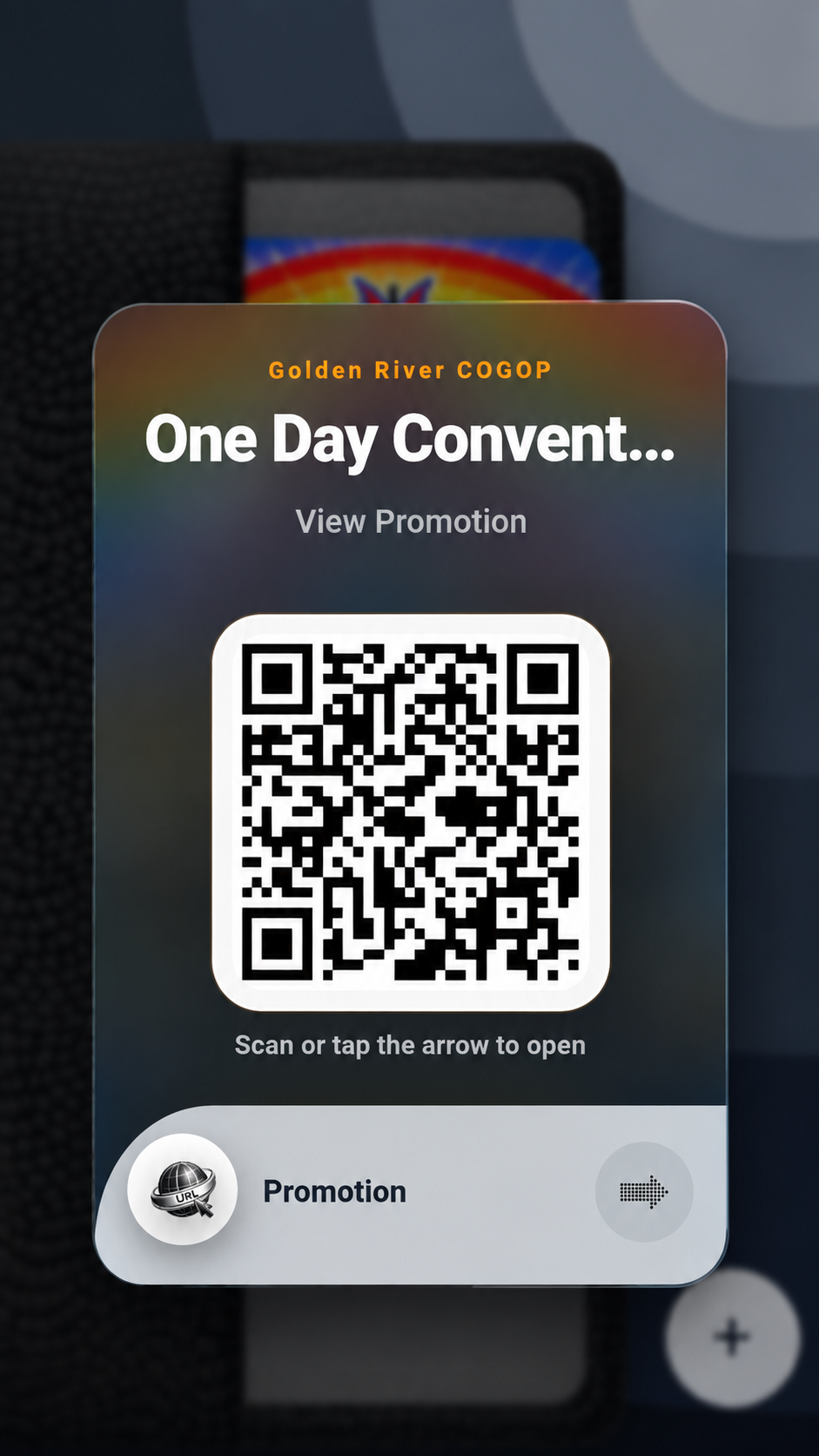
QuikCard is a QR code wallet. Scan QR codes from flyers, memberships, promotions, profiles, websites and more, then save them on your device as easy-to-find cards. Give each one a useful name so you know what it belongs to, then bring the QR code back up whenever you need it.
Scan a QR code you want to keep with the built-in scanner.
Save the QR code and its useful details locally on your device.
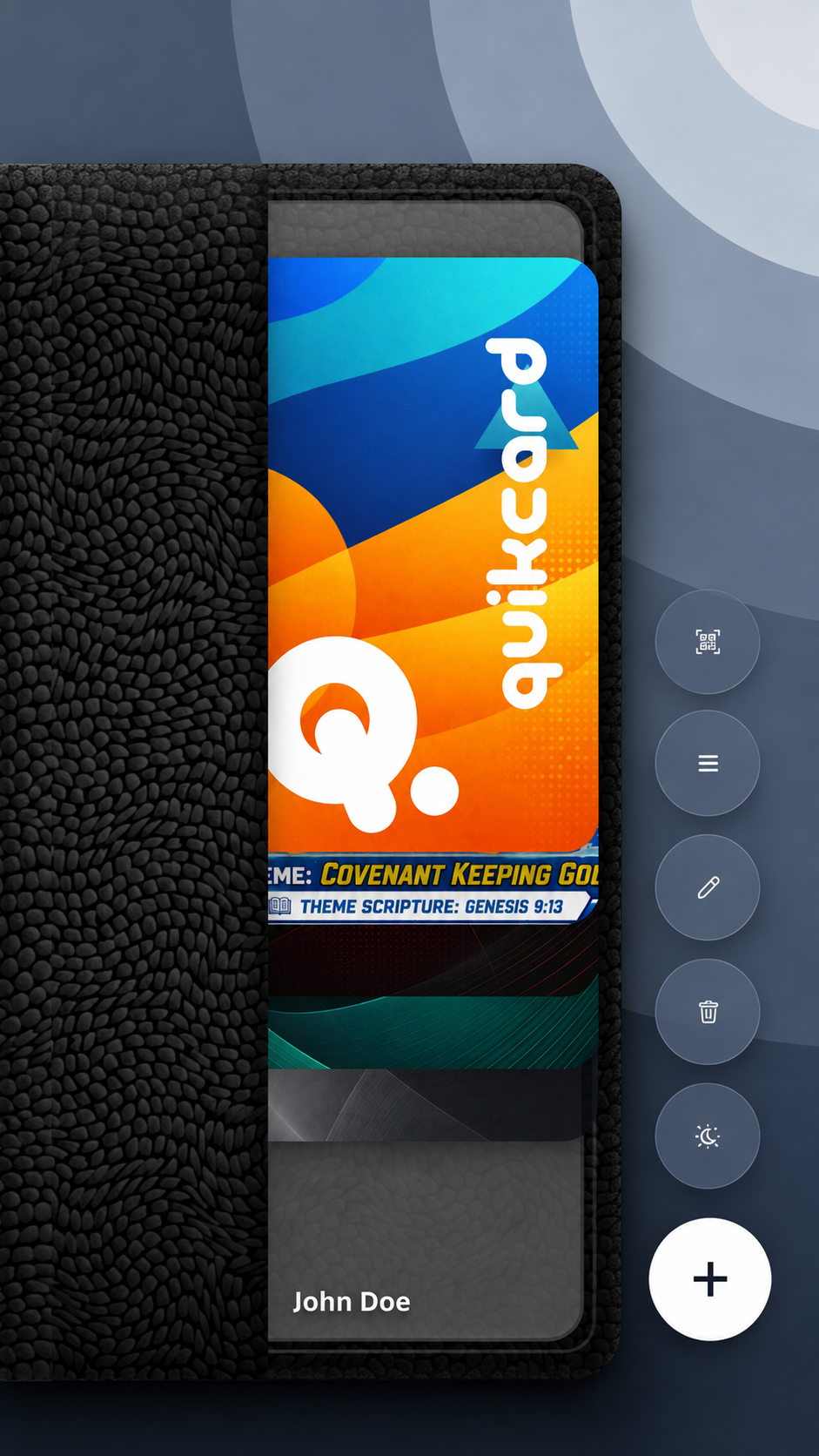
QuikCard displays saved QR codes as cards so they are easier to recognize and find.
Bring a saved QR code back up when you need to open, present or share it again.
QuikCard keeps the everyday flow simple: scan a QR code, confirm what you want to call it, and keep it in your wallet for later.
Point QuikCard at a QR code. Once the scan is complete, give it a useful name and save it. QuikCard keeps the code in your wallet so you can return to it without needing the original flyer, sign, card or screen.
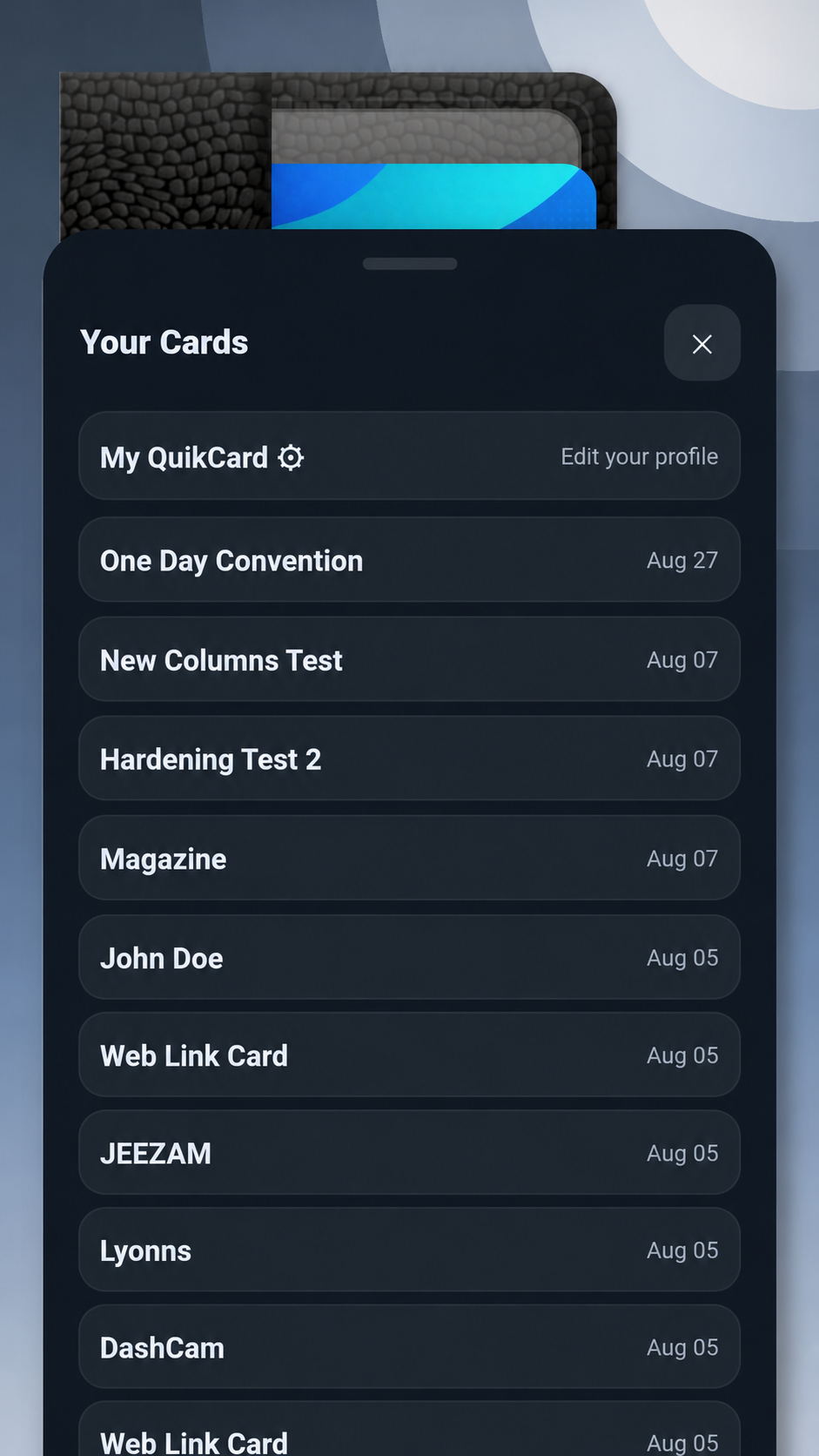
QuikCard presents each saved QR code as a card inside your wallet. Browse visually or open the quick list when you want a faster way to find a code you have already saved.
QuikCard also gives you a personal QR card that you can bring up when you want someone else to scan and save your contact information.
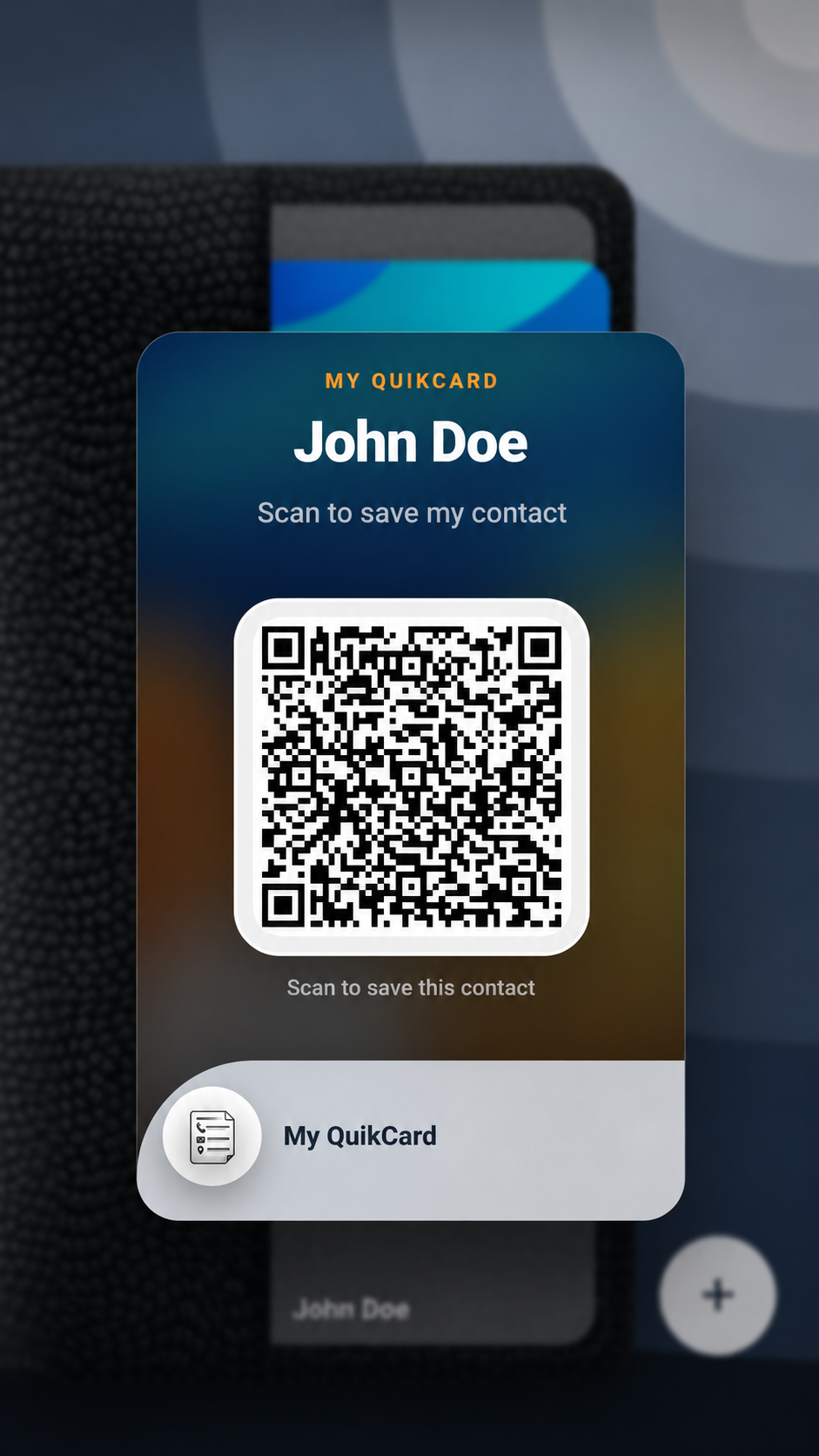 Your QR contact is already with you.
Bring it up on your phone whenever sharing a physical card is not the convenient option.
Supported COMLUK-managed QR codes can stay connected to approved promotional information after you save them. The same QuikCard can remain in your wallet while active campaign information is refreshed and checked before you open it.
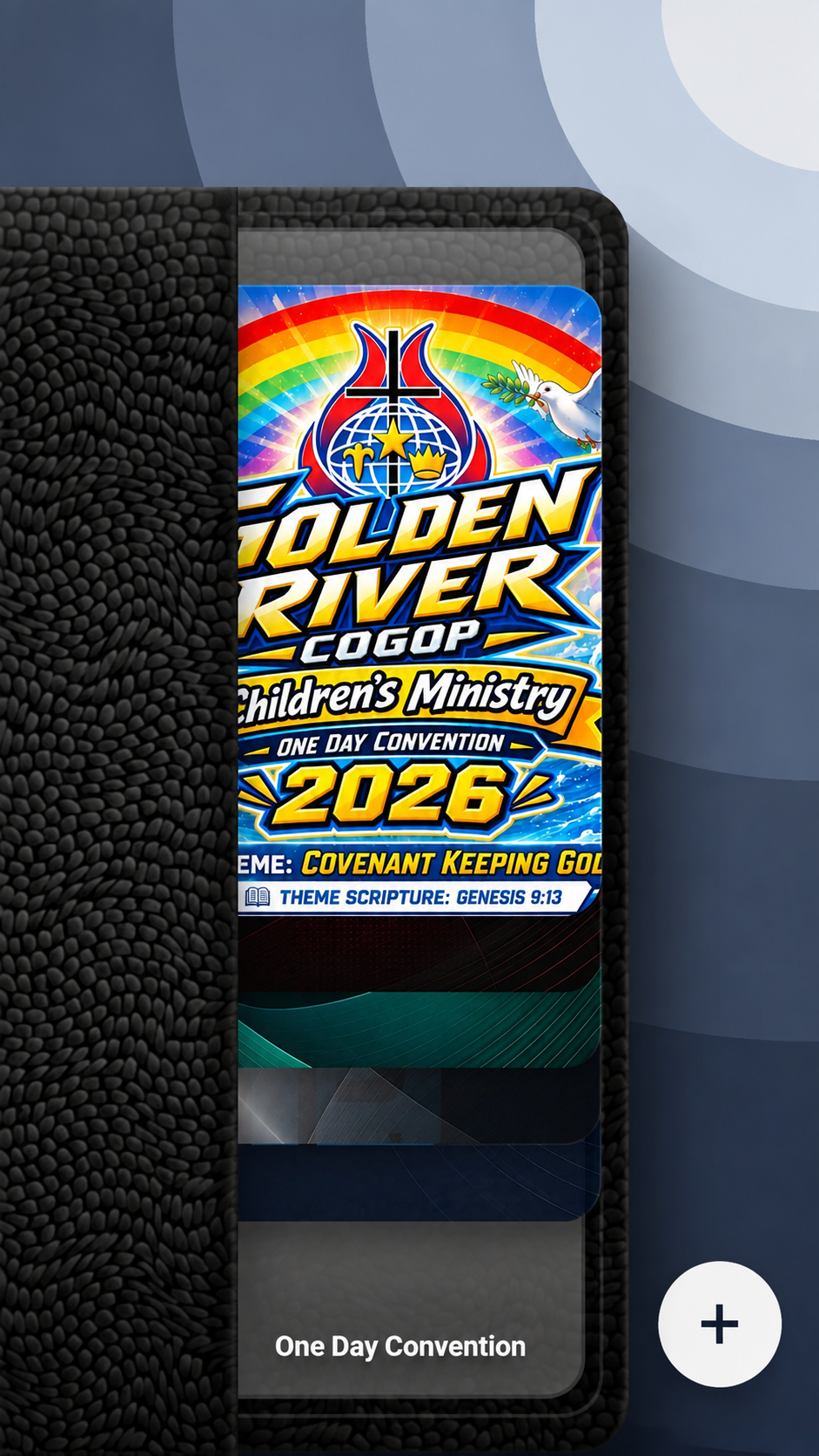
QuikCard focuses on scanning, saving and finding QR codes again, while allowing supported COMLUK-managed codes to do more when a live connection is useful.
Scan the QR codes around you directly from QuikCard and move naturally into the save flow.
Your saved QR codes and card information are kept on the device so your wallet remains yours.
Keep a personal QR contact card ready for another person to scan.
QuikCard turns saved QR codes into recognizable cards you can browse in the wallet or find through the quick list.
Bring saved QR codes back up when you need to open, present or share them again.
Supported COMLUK-managed QR codes can refresh their current status before an active destination is opened.
Visit Downloads for the current QuikCard release, platform information, compatibility details and installation package.